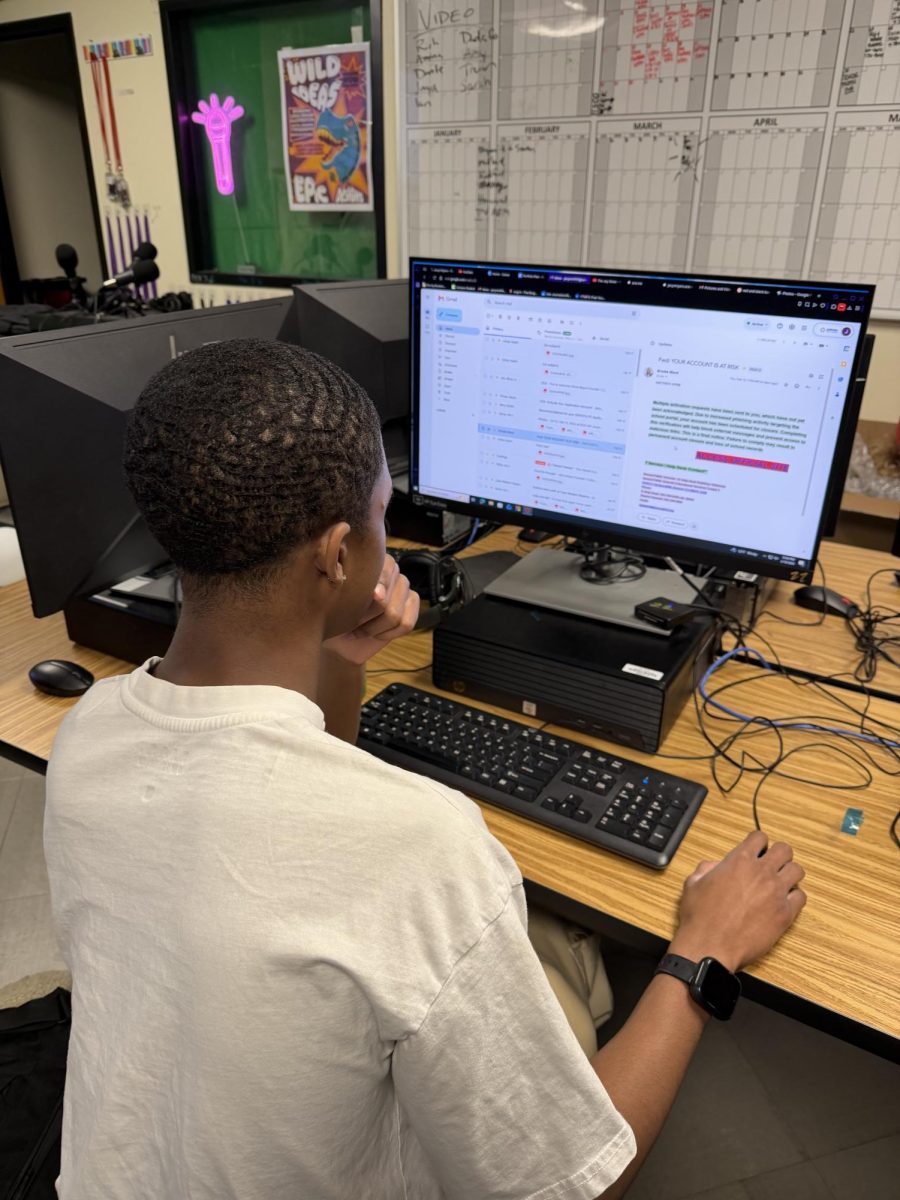
Lately, a lot of students—including me—have been getting sketchy spam emails from hackers, and one message I got recently set off a lot of red flags. These emails don’t just look suspicious—they can let hackers break into your account, mess up your computer, or even steal your banking information. This has been happening for a while, but it’s become a much bigger problem this year, and my experience shows just how real the risk is.
The email I clicked on took me to a fake Google Form for a so‑called “state‑approved humanitarian job” that promised $500 a week for 2–3 days of work and pressured me to “get my info right” fast. The form asked for my school and alternate email, gender, city, state, address, full name, and even my bank information. The job description was full of spelling mistakes, and the subject line screamed “OFFER FOR YOU” in all caps, claiming it was an “engaging educational opportunity” for students like me. Less than a day later, my district had to reset my password because my account was at risk, showing how easily students can be tricked into handing over sensitive information and why schools need to take these scams seriously.
One big red flag was that the form wasn’t made in the APS district, even though it claimed to be. The message used a title card with the district logo, address, and phone number, and according to our IT coordinator, some versions even used the superintendent’s name. To understand how this scam was affecting people, I talked with our IT coordinator, Ms. Black, and several classmates. Ms. Black said these emails have been going district‑wide and that a lot of teachers have reported them. Some students even asked her to check if the messages were real because they thought they were legit—but they weren’t. Every link led to a sketchy website or form asking for sensitive information, including bank info and passwords. They were claiming to offer jobs, schedule changes, account‑compromise warnings, internships, or even threats of account suspension. One even went out right after New Year’s, offering students the chance to be “the lucky winner.” Not sketchy at all…
These scam emails have used tools like Google Docs, Google Forms, and other online platforms many of us might not even recognize. Ms. Black also said every single one came from student email addresses. She narrowed it down to two possibilities: either students were sending them because they thought the emails were legit, or hackers had already gained access to students’ accounts through fake forms. She quickly ruled out the first option, which meant accounts were being compromised simply by clicking the form—some students didn’t even have to respond. Teachers and staff have received the emails too, showing that scammers are going after everybody.
RHS freshman Brennan is one of the students who got hacked—twice. The first time, he saw an email about an APS job opportunity and clicked the link. It took him to a form that looked a lot like mine, asking for his full name, address, phone number, state or province, and gender. The job info was the same too: ridiculous pay, short hours, and pressure to provide “correct” information. This form also asked for account passwords. He filled it out, but when he went to show his mom, the email was gone. A day later, his computer started bugging out, and he had to get his password changed because his account was compromised. About a month later, he got another message that looked a lot like the first one, with our APS title card at the bottom. It claimed his account was compromised and told him to click a link and enter his password to fix it. This time, he didn’t fall for it, but just by clicking the link, his computer started acting up again and took a long time to turn on.
“I was really confused,” he said. “I couldn’t find the email when I was showing my mom, and it looked really official, so that’s why I filled it out. I can’t believe it.”
There have been more reports like this. Students are having their passwords changed because of constant “job opportunities” and “account suspensions.” This has gone to the higher‑ups, and they are cleaning out malware in victims’ accounts and changing passwords to be more secure. We aren’t sure what else is happening, but we trust that APS is investigating. Scamming is serious. If you get content like this, it probably means someone wants access to your personal information. If it’s reaching our district emails, these hackers are getting more aggressive, and we need to be extremely cautious.
Some red flags to watch for: First, subject lines in all caps that are clearly trying to grab your attention. We’re naturally drawn to things like that, so if something is yelling at you, take it with a grain of salt. Second, check whether the sender is verified and whether the content looks like previous official emails. If you can’t compare it to anything you’ve seen before, don’t trust it. Third, be careful if the message gives very vague details but pushes you to click a link to “learn more.” Don’t fall for it. Real messages will have clear details and explanations. If something you receive is setting off red flags, talk to a trusted adult or your school’s IT department to check if it’s real. Do not click anything in the email before you get an OK.
“Don’t click anything just because it looks like it’s real. Ask and clarify first.” Ms. Black is available in our media center during all periods of the school day for questions. You can reach her via email at [email protected]. Stay safe and stay cautious. Take everything you see with a grain of salt, and don’t fall for the fake.